Before traveling to China, I’d spend 30 minutes setting up a few apps.
Not because China is hard to travel in. Actually, once everything is ready, China is one of the most convenient places to move around.
The problem is the first day.
You land at the airport. You need to call a car. The driver cannot find you. You want to pay for coffee. The cashier shows you a QR code. You open Google Maps, but the location looks wrong. Then you realize you should have prepared these apps earlier.
So this is not a “download every Chinese app” list.
This is the practical list I would give to a first-time traveler coming to China.
The Short Version
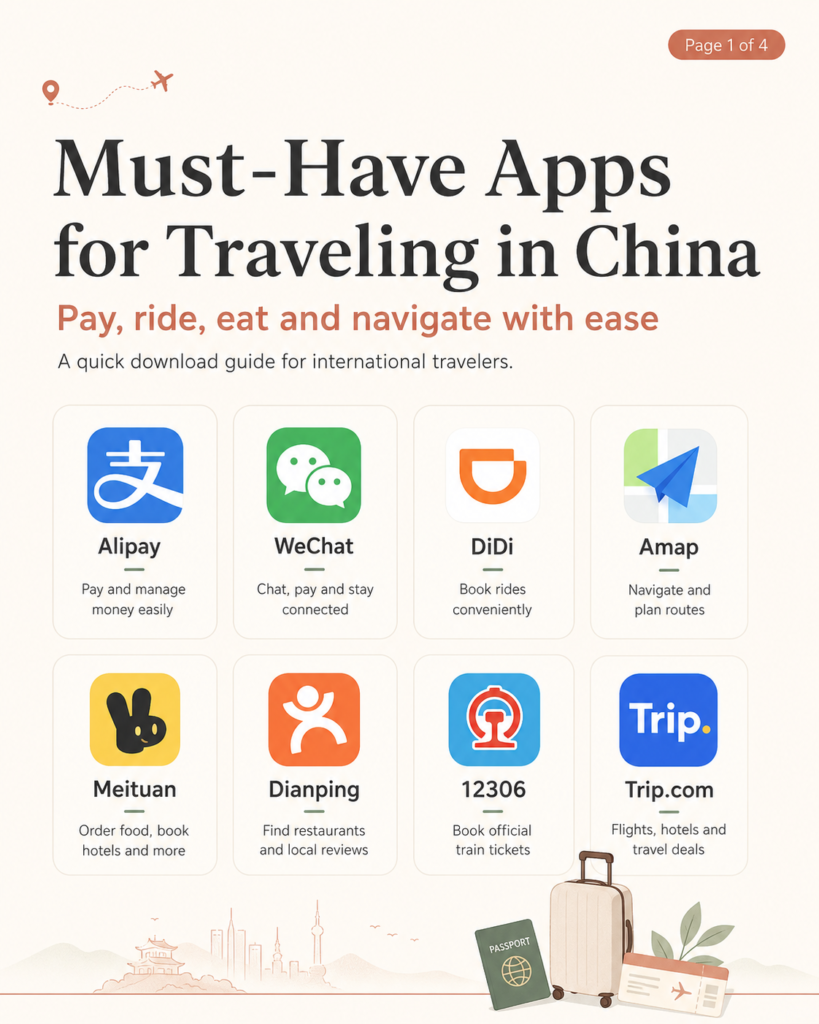
If you only want the basic setup, download these first:
Alipay — payments
WeChat — communication and backup payment
DiDi — ride-hailing
Amap — maps and navigation
Trip.com — hotels, flights and trains in English
If you want to be more prepared, also add:
Dianping — restaurants and local reviews
12306 — official train tickets
Meituan — food delivery and local services
That is enough for most travelers.
1. Alipay
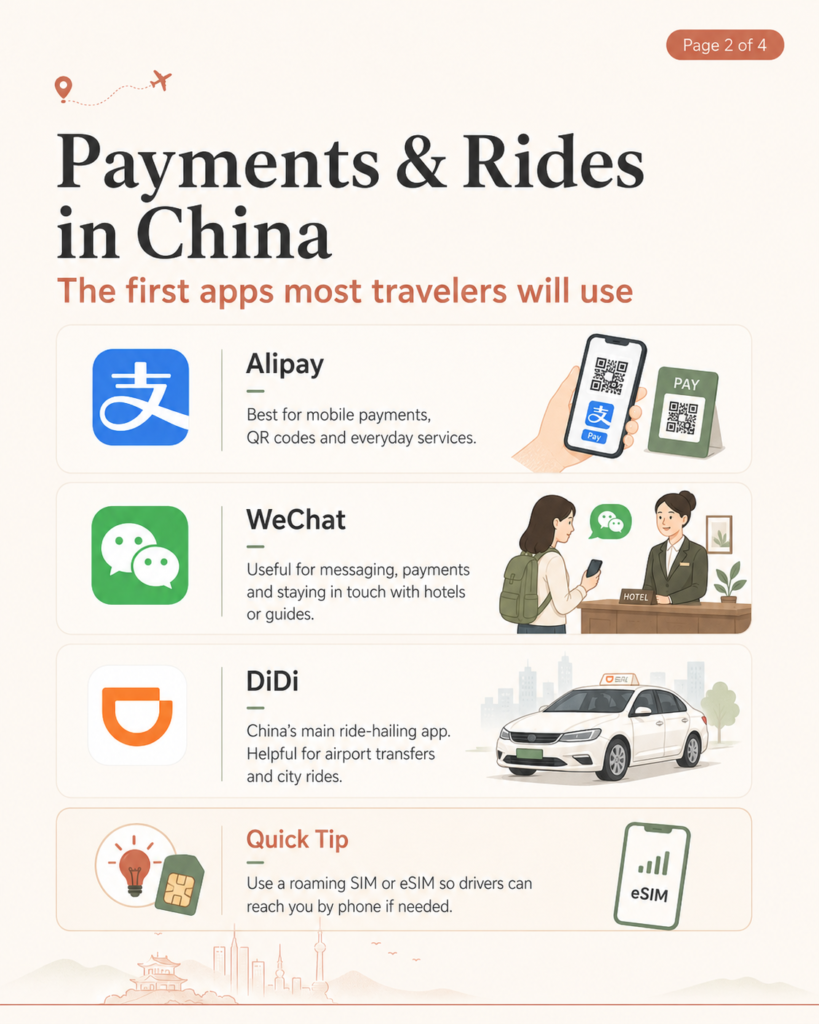
Alipay is the first app I would set up.
In China, a lot of daily payments are made by scanning QR codes. Restaurants, convenience stores, coffee shops, attractions, taxis and even small local shops may all use mobile payment.
For most international travelers, Alipay is one of the easiest ways to handle this.
The important part is not just downloading the app. Set it up before you really need it. Add your card, check your identity information, and make sure the app opens properly.
You do not want your first payment test to happen while a line of people is waiting behind you.
Use it for:
Payments, QR codes, shops, restaurants, taxis and daily expenses.
My tip:
Prepare Alipay before departure. It can save you a lot of awkward moments during the first 24 hours in China.
2. WeChat
WeChat is also worth preparing.
A lot of people outside China think WeChat is just a messaging app. In China, it is much more than that. Hotels, guides, drivers and local service providers often use WeChat to send locations, meeting points and quick updates.
Even if you do not use WeChat every day, it is useful to have it ready.
WeChat Pay can also work as a backup payment option if you manage to set it up successfully. I would not rely on only one payment app when traveling in China.
Use it for:
Messaging, contacting guides or hotels, sharing locations and backup payment.
My tip:
Install WeChat before your trip and make sure you can log in. Verification can be annoying if you leave it until the last minute.
3. DiDi
DiDi is the main ride-hailing app in China.
If you are arriving at the airport, moving around a city, or going somewhere that is not easy to reach by metro, DiDi is useful.
The app is especially helpful in cities like Chengdu, Chongqing, Shanghai, Beijing, Xi’an and Guangzhou.
One small thing that travelers often forget: your driver may call you if the pickup point is confusing. This happens a lot at airports, railway stations, malls and big hotel entrances.
So if possible, keep a working phone number, roaming SIM or eSIM.
Use it for:
Airport transfers, city rides and short-distance transport.
My tip:
When taking DiDi, stand at a clear pickup point and keep your phone available.
4. Amap
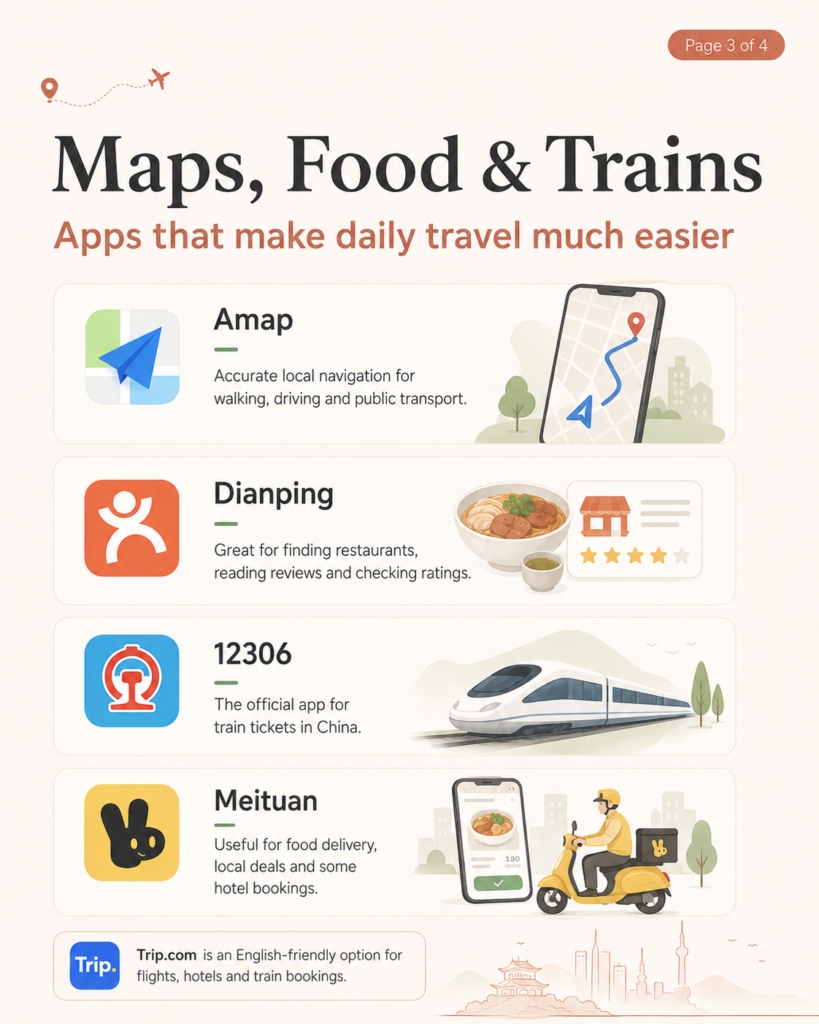
For maps in China, I would use Amap.
Google Maps is not always reliable in mainland China. Sometimes the place exists, but the location is off. Sometimes public transport information is not very helpful.
Amap is much better for local navigation.
It can help with walking routes, driving routes, public transport and finding exact locations. If you are traveling independently, this app makes daily movement much easier.
Use it for:
Navigation, walking routes, driving routes, metro and public transport.
My tip:
Save your hotel name and address in Chinese. If you need to show it to a driver or ask for help, the Chinese address is usually much more useful than the English name.
5. Trip.com
Trip.com is a good safety net for international travelers.
It is not the most “local” app, but it is easy to use in English. You can book hotels, flights, trains and sometimes attraction tickets.
For first-time visitors, Trip.com often feels less stressful than trying to use Chinese-only booking apps from the beginning.
I would still use local apps for payment, maps and rides, but Trip.com is very helpful for planning and backup.
Use it for:
Hotels, flights, train tickets and simple English-friendly bookings.
My tip:
If you are not confident using Chinese apps yet, use Trip.com for important bookings and local apps for daily travel.
6. Dianping
Dianping is useful for food.
It is one of the apps locals use to check restaurants, ratings, photos and reviews. If you want to know where people actually eat nearby, Dianping is helpful.
The app can be a bit difficult if you do not read Chinese, but you can still look at photos, ratings and location information.
For food-focused travelers, this app is worth having.
Use it for:
Restaurant reviews, food photos, local ratings and nearby dining options.
My tip:
Do not only look at the rating. Check the recent photos too. They usually tell you more than the written reviews.
7. 12306
12306 is the official China Railway platform.
If you are taking high-speed trains in China, you should at least know this app or website exists.
For many foreign travelers, Trip.com may feel easier. But 12306 is the official railway system, so it is useful for checking schedules and handling train-related details.
If you are taking several trains during your trip, it is worth learning how it works.
Use it for:
China train tickets, high-speed rail schedules and official railway information.
My tip:
Use the same passport information carefully when booking tickets. Your passport details matter for train travel in China.
8. Meituan
Meituan is very useful in China, but I would not put it first for every tourist.
It is good for food delivery, local deals, hotel bookings and many daily services. But for short-term travelers, it can feel a bit too local and too Chinese.
If you are staying in China for a longer time, download it.
If your trip is short, you can survive with Alipay, WeChat, DiDi, Amap, Trip.com and Dianping first.
Use it for:
Food delivery, local deals and some hotel or lifestyle services.
My tip:
Great app, but not the first app I would teach a first-time visitor to use.
For Malaysian Travelers
If you are traveling from Malaysia, you can also check whether your Touch ’n Go eWallet works with Alipay+ in mainland China.
But I would still prepare Alipay or WeChat Pay directly.
When traveling in China, having more than one payment method is always better. One app may fail, your card may not work in one place, or your phone may need verification.
Backup options matter.
My Realistic Setup Order
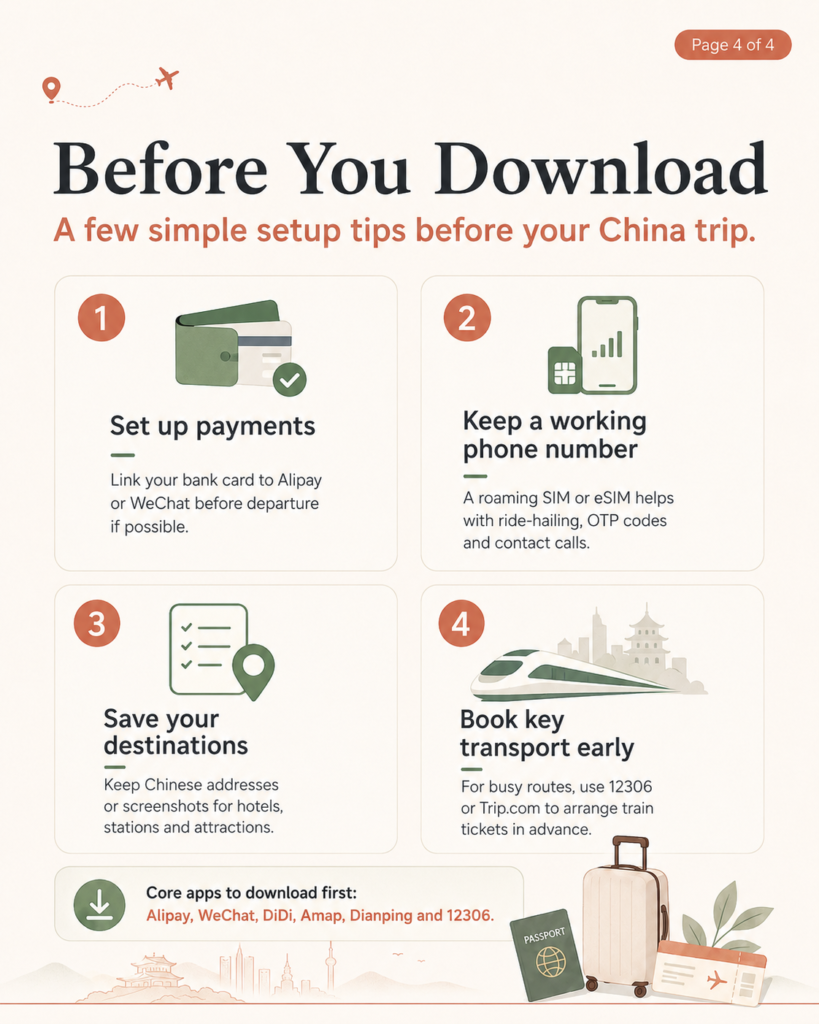
If I were helping a first-time traveler prepare, I would do it in this order:
First, set up Alipay.
Then install WeChat.
Next, download DiDi and Amap.
After that, prepare Trip.com for bookings.
Then add Dianping, 12306 and Meituan if needed.
You do not need to master every app before arrival.
Just make sure the important ones are installed, your phone number works, and your payment method is ready.
Final Advice
China is not difficult to travel in, but it is very app-based.
Payments, taxis, maps, restaurants, train tickets and local communication often happen through apps.
Once you have the basic apps ready, the trip feels much easier. You can pay faster, move around with less stress, find food more confidently and avoid small problems on your first day.
So my honest advice is simple:
Do not wait until you land.
Set up the main apps before your China trip, keep screenshots of important addresses and bookings, and prepare at least one backup payment method.
That little bit of preparation can make your first day in China much smoother.
FAQ
What apps should I download before traveling to China?
For a first China trip, I would download Alipay, WeChat, DiDi, Amap and Trip.com first. Dianping, 12306 and Meituan are also useful if you want to be more prepared.
Is Alipay or WeChat better for travelers in China?
I would set up both if possible. Alipay is very useful for payments, while WeChat is helpful for communication and backup payment.
Does Google Maps work well in China?
Google Maps is not the best option for mainland China. Amap is usually more accurate for local navigation, public transport and exact locations.
What app should I use for taxis in China?
DiDi is the main ride-hailing app used in China. It is useful for airport transfers, city rides and short-distance transport.
What is the best app for train tickets in China?
12306 is the official China Railway platform. Trip.com is often easier for international travelers who prefer an English-friendly booking process.
Do Malaysian travelers need Alipay if they have Touch ’n Go eWallet?
Touch ’n Go eWallet may work in some mainland China payment situations through Alipay+, but I would still prepare Alipay or WeChat Pay as a backup.